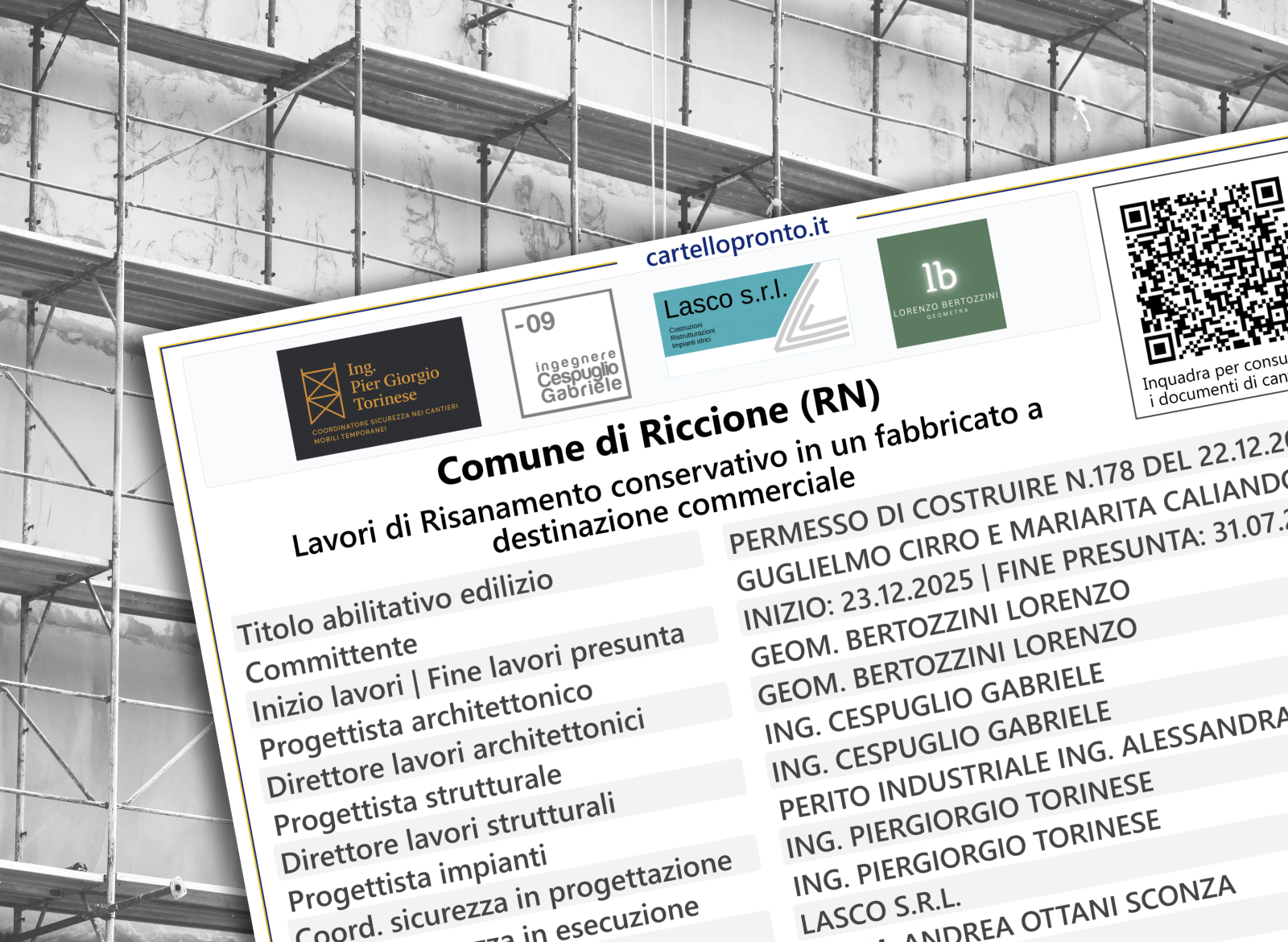
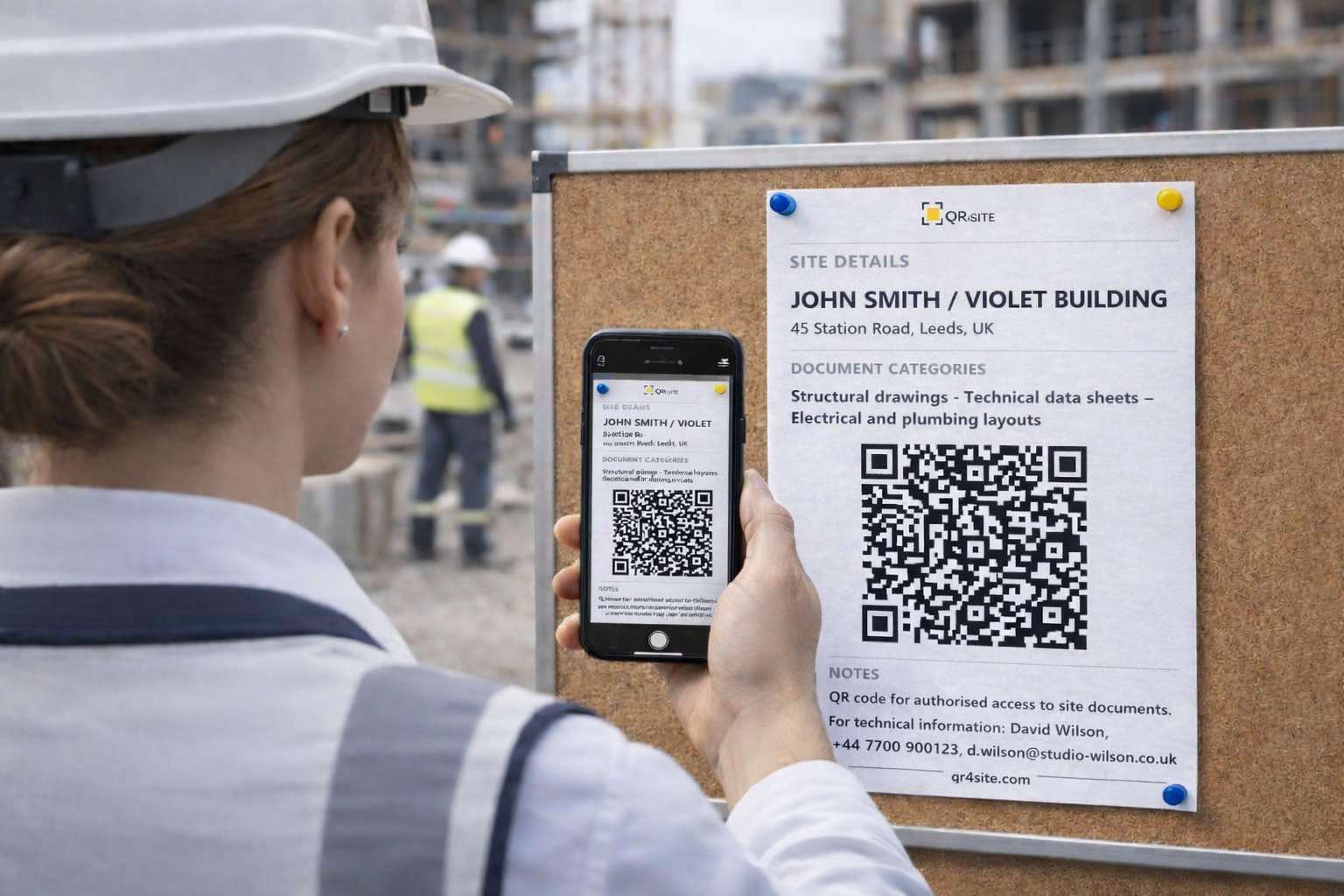
Generate a printable A4 with a QR code linked to your folder (Drive, OneDrive or Dropbox). Scan it to instantly access site documents and construction files. Designed for internal site use →
free • no sign-up
How it works
Estimated time: 30 seconds
01
Create a folder in Drive, OneDrive or Dropbox and set the sharing permissions.
02
Paste a valid folder link (http:// or https://) and fill in the required fields: Site name and Address.
03
Add optional details such as document categories (Architectural drawings, technical datasheets or other site documents) and Notes.
04
Download the A4 (PDF or JPG), test the QR with your phone, then print it and place it on site.
Important
This QR is meant for authorised personnel only. Place it in an area of the site that is not accessible to the public, as anyone who scans it may try to open the link depending on your folder permissions. Note: the QR code does not contain the documents; it only contains the link.
PREVIEW (A4 FORMAT)
SITE DETAILS
DOCUMENT CATEGORIES
NOTES
>
FREQUENTLY ASKED QUESTIONS
QR4site is a free tool that lets you create a printable A4 with a QR code linked to your private folder, so authorised people on site can open drawings, technical files and other site documents in seconds.
No. The information you enter is used only to generate the QR code and the A4 layout in your browser. QR4site does not store your folder link, site details or notes on its servers.
The QR code contains the exact link you paste into the form. To make it work properly, use a stable folder link from Drive, OneDrive or Dropbox, check that the sharing permissions are correct, and test the QR code from your phone before printing it for site use.
You can save the full A4 layout as PDF or JPG. You can also save the QR code only as a PDF, depending on what you need for printing or internal use.
SITE DETAILS
DOCUMENT CATEGORIES
NOTES
Disclaimer
The tool generates the QR code. The completeness and accuracy of the documents/files you link to remain your responsibility and should be checked against the rules and standard practices in your country/industry. The site owners accept no liability for omissions, inaccuracies, or non-compliance.
Free QR code for construction site documents: QR4site lets you create a clean A4 sheet with a QR code linked to your private folder or file (for example on Drive, OneDrive or Dropbox). Print it and place it on site so authorised people can access site documents in seconds. Update the files anytime without reprinting the sheet.
Download on iPhone/iPad
QR Code – Quick instructions
1) Upload your documents to a cloud folder (Drive/Dropbox/OneDrive or similar).
2) Set sharing permissions: “Anyone with the link can view” (read-only).
3) Paste a web link starting with http:// or https:// (not a file path from your computer).
4) Scan the QR with your phone and test it before printing.
Common mistakes
Local path like C:\… → won’t work
Link not shared → access denied
Not tested → risk of wrong link/permissions
Notes
The QR does not contain the documents. It only contains a link. Access depends on the permissions set on your cloud folder.
Other tools
Construction site sign
Available soon
We’re preparing the English version. This tool will appear here as soon as it’s ready.
Construction site sign — coming soon
Available soon. We’re preparing the English version of the one‑minute site sign generator.