
Open construction drawingsand documents on site

free · no sign-up
Generate QR codes

Site teams need drawings, construction details, product data sheets and installation instructions as work progresses.

Paper copies can be damaged, lost or become outdated when drawings change. Use a phone or tablet to view the files on site.

Before using a document, check that it is the revision you need.

QR4Site creates an A4 sheet with up to three QR codes. Each one opens a cloud folder where your team can share and update the site documents.

Site documents within reach

Open the folders your team has prepared on your phone or tablet, during a site visit or while work is under way.

Use separate folders for architectural drawings, structural drawings, building services drawings, construction details or product data sheets. Your team chooses what to share and keeps the files up to date.

Scan the QR code to open a folder. Check the drawing revision before you start work.

Update the files, keep the QR code

QR4Site turns the link to a cloud folder into a QR code on an A4 sheet.

Keep the sheet with the site documents, or display it where authorised personnel can scan it.

When you update a drawing, keep the same folder link. You can then keep using the printed QR code, provided the folder remains accessible to the right people.
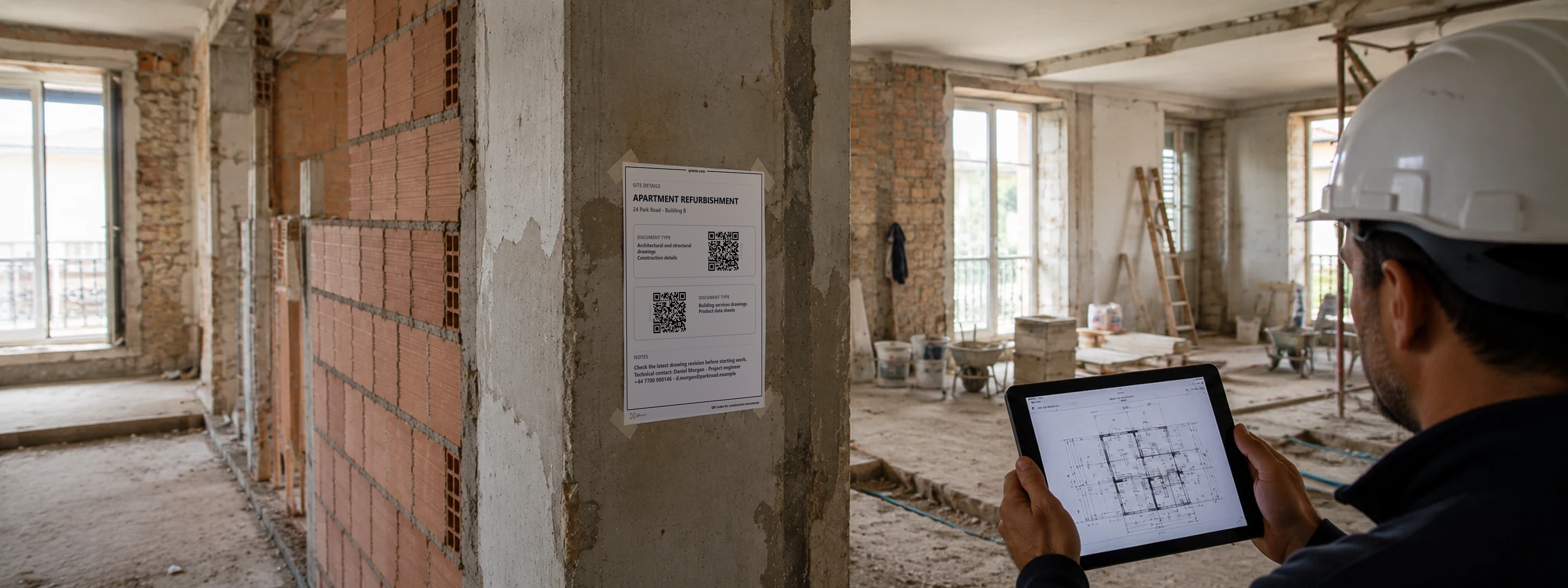
A construction professional checks a drawing on a tablet beside a QR4Site sheet on site

Create an A4 QR sheet for your site

Add up to three QR codes to one sheet. Free, with no sign-up.

Generate QR codes
Before you use the sheet
QR4Site creates QR codes from the links you enter. You choose, upload and manage the linked documents. You are responsible for their accuracy and completeness, for keeping them up to date, for using them lawfully and for setting the right access permissions. QR4Site does not host or check those documents, or control access to them.